Overview of the Creative Module
The Creative module consists of components at different account levels and the interaction between those components. This is a brief overview of how these different components work together to generate creative assets that can be used in digital advertising.
Component 1: Branding
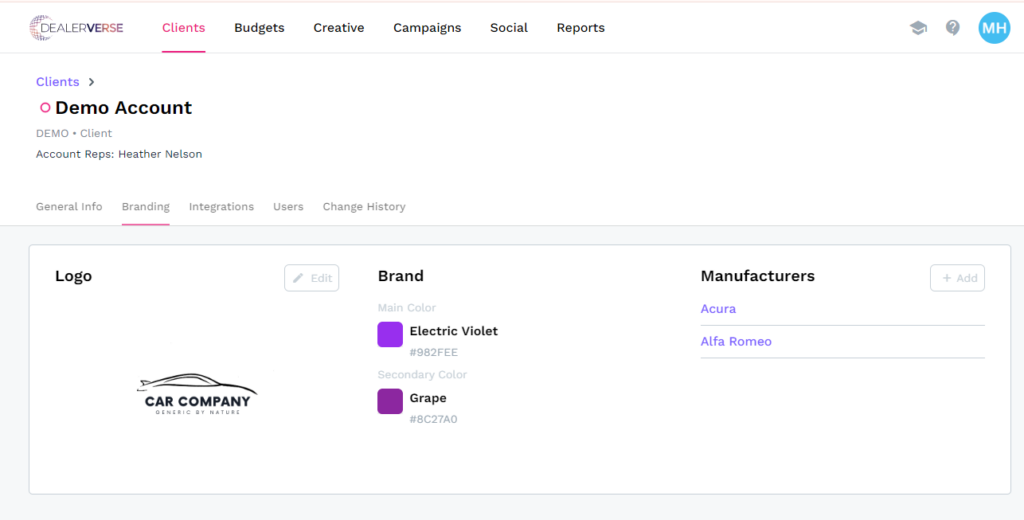
Although not technically part of the Creative module, but rather part of the Client module instead, the Branding section is where dealerships can add their logo, brand colors, and manufacturers so they can be populated within projects in the Creative module. Details about Branding can be read in this KB article.
Component 2: Templates
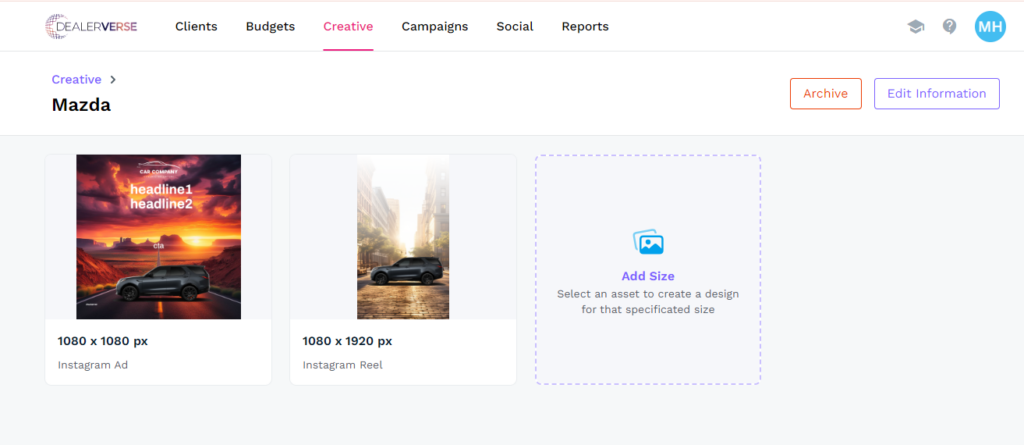
Templates are created at the enterprise level of the account, either by the DealerVerse team or by an auto group or ad agency system administrator who has the proper permissions. Templates are what individual creative projects are built on. They provide parameters with which individual dealerships can create web slides, specials, and even social posts while still maintaining the integrity of the brand restrictions that compliance places on creative assets. Templates are discussed in more detail in this KB article.
Ccomponent 3: Projects
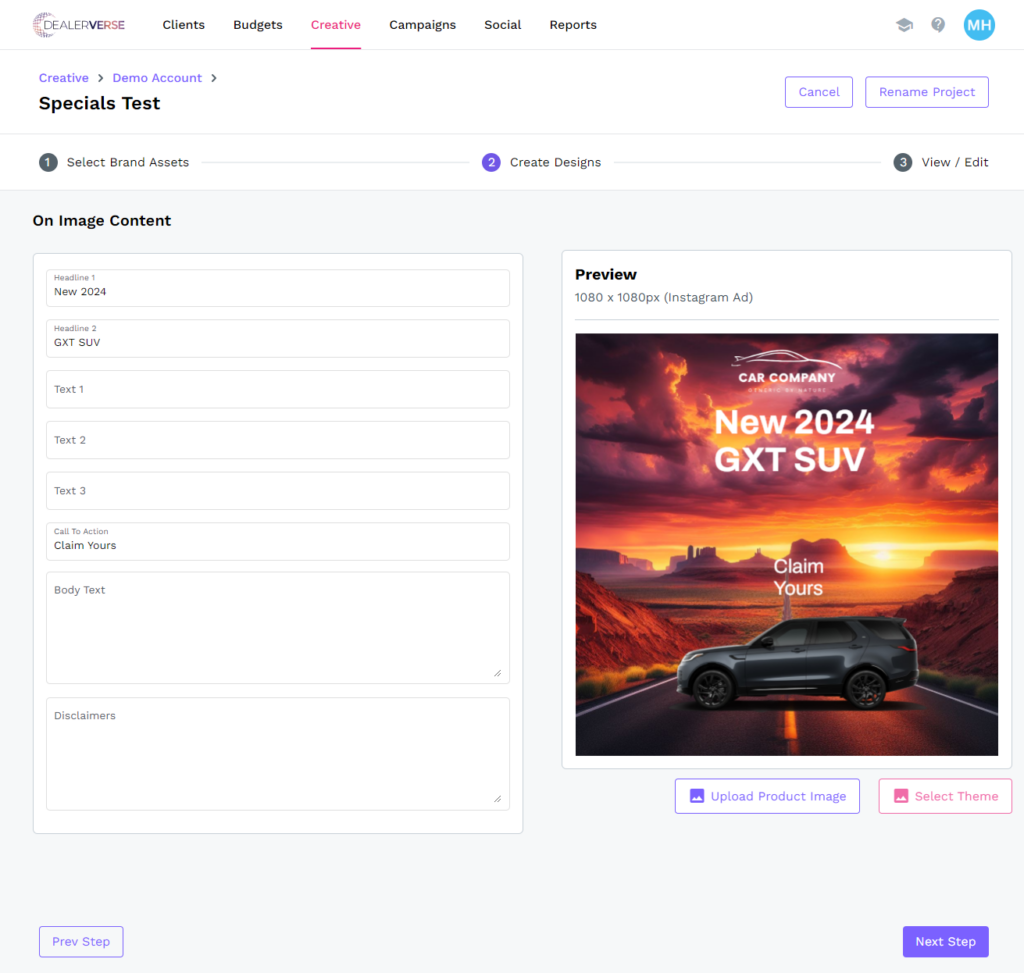
Projects are the method by which creative assets are generated for use in ads. They occur at either the Company level or Client level of the account and they are restricted by the setup of the template. The user fills in the fields in the Create Designs stage of the wizard, and the entries are placed according to the layout of the template.
Component 4: Assets
Once the Project has been completed, the asset will be available for download as a PNG file to use in web-based ads.